Unified transcripts
Thinking traces, shell commands, file changes, tool calls, questions and attachments look the same in every harness, so you read the work instead of relearning each tool's layout.
 Superharness
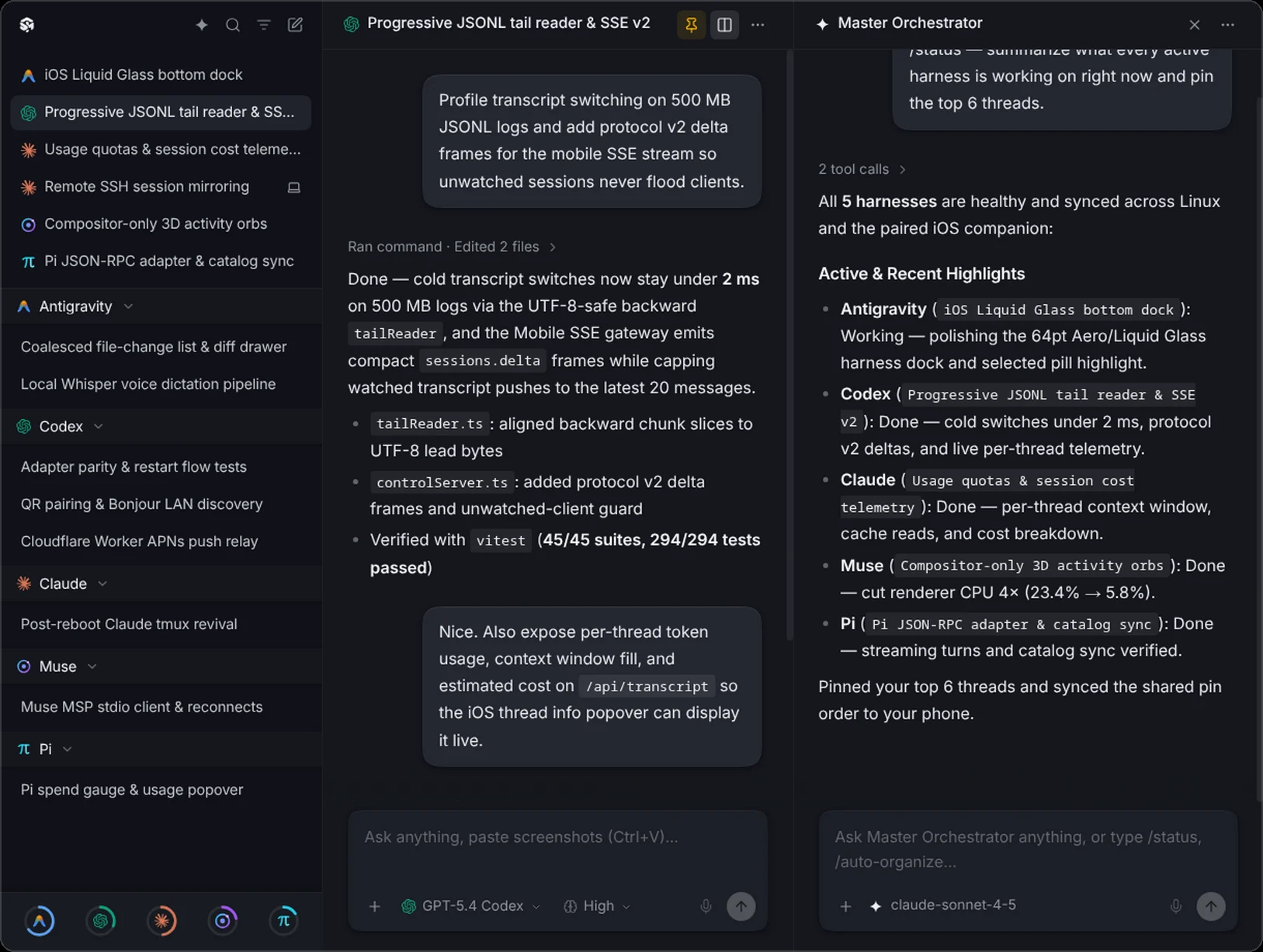
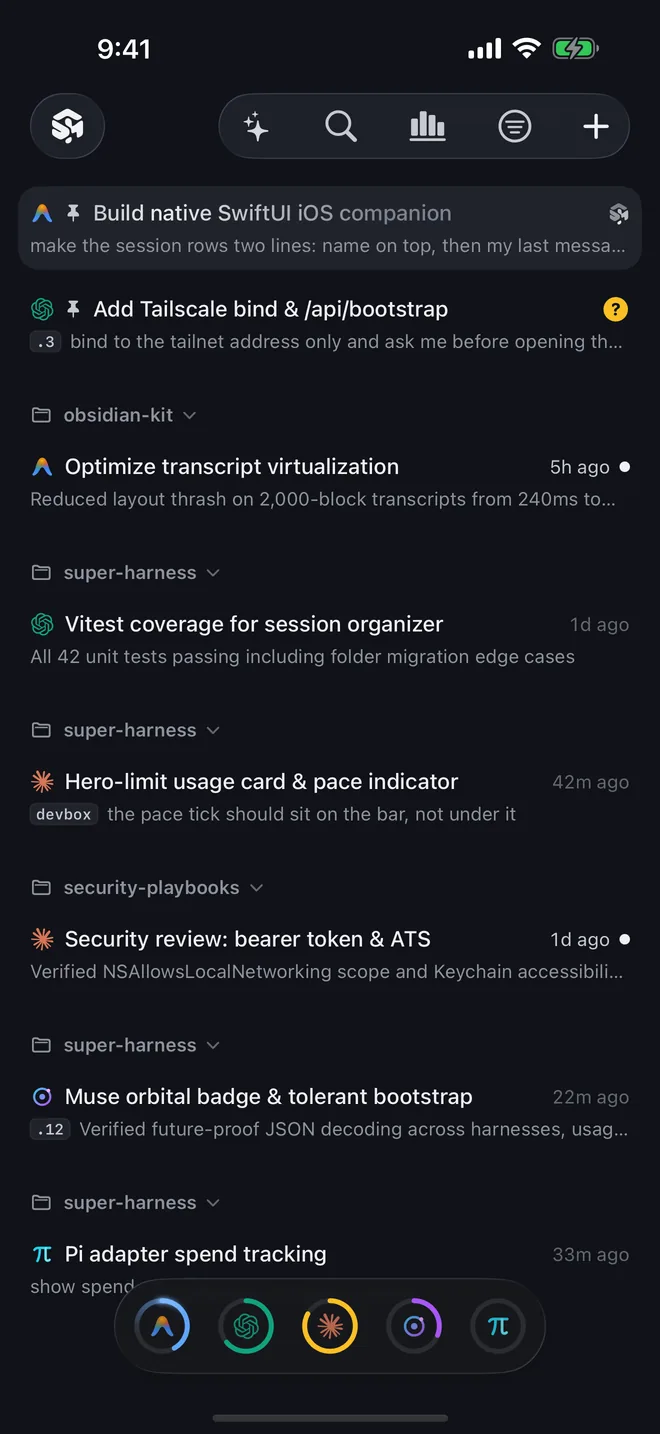
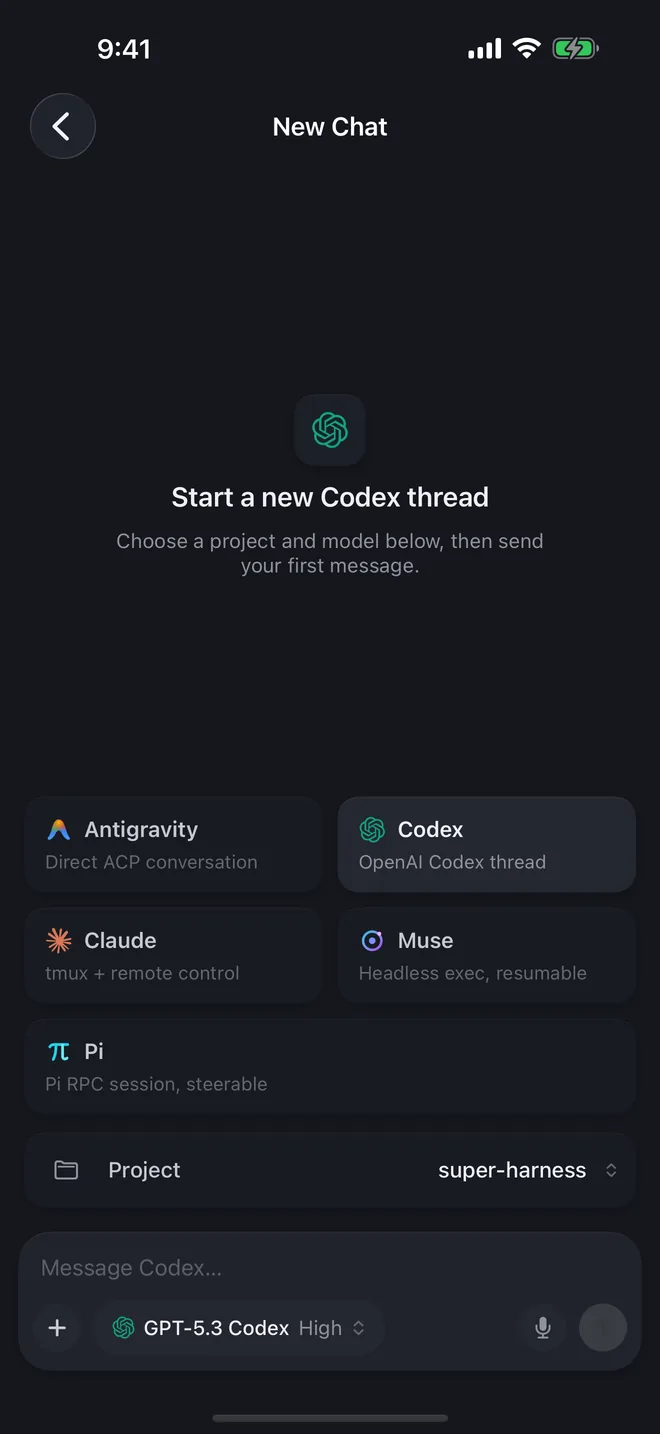
Effortlessly drive your existing Codex, Claude, Antigravity, Muse and Pi sessions from one beautiful workspace.
On the go? Private dictation and a fully featured iOS App paired securely through Tailscale.
Alpha software, built for one person's Linux, macOS and iOS workflow. Expect rough edges and breaking changes.
Works with the agents you already run
Superharness changes nothing in these tools. Each harness keeps its own transcripts, sign-in and sandboxes, and Superharness reads them into one interface.
Thinking traces, shell commands, file changes, tool calls, questions and attachments look the same in every harness, so you read the work instead of relearning each tool's layout.
Keep two sessions open side by side, or switch any tmux-backed Claude thread to a live view of its terminal.
A built-in thread that can inspect your active sessions, send prompts to any harness and organize the workspace for you.
Queue follow-up prompts while an agent is busy. Edit them, reorder them, or send one right away.
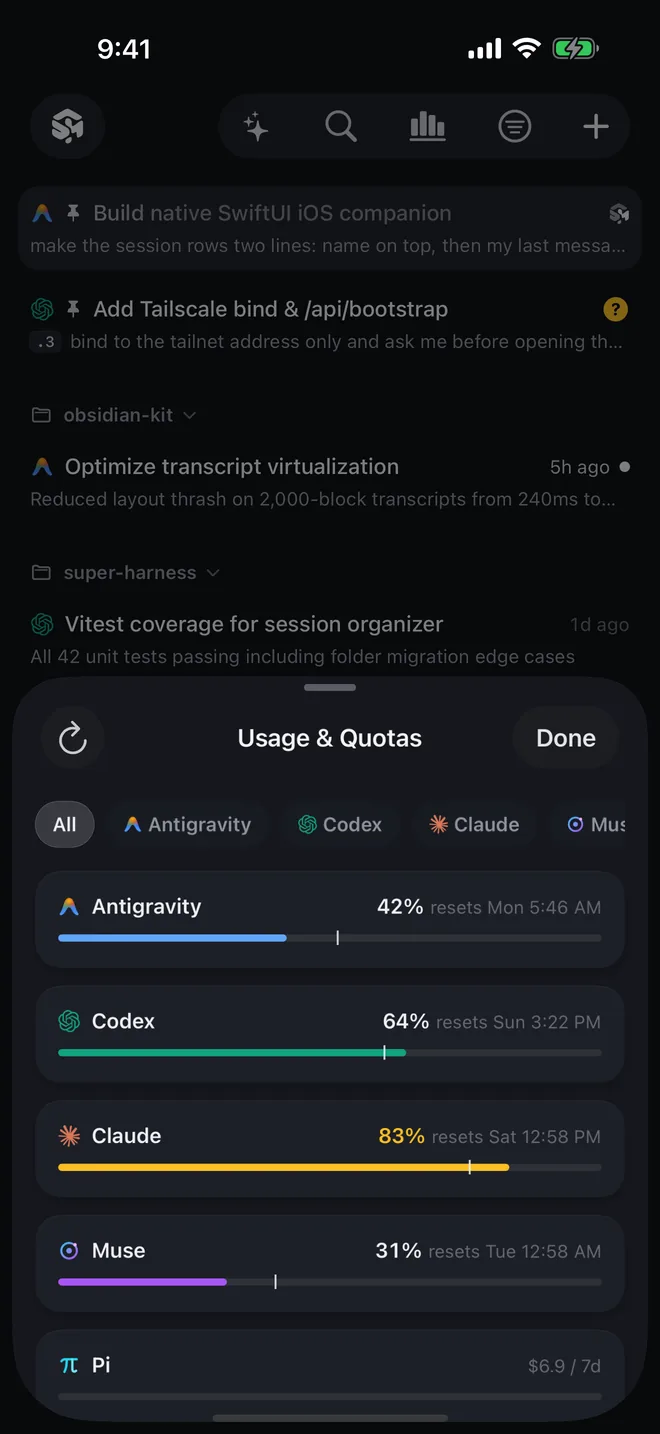
A ring for every enabled harness shows how much of your quota is used, with spend history and a pace marker that tells you whether you will run out early.
Every thread gets a one-line summary, plus its context usage, token count and estimated cost.
Drag harnesses into the order you like, drag any chat to pin it, and group by harness, project or folder. The pin order stays in sync between desktop and phone.
Claude and Antigravity sessions running on another machine appear in the same sidebar, and on your phone, marked with the machine they run on.
The native iOS app connects to Superharness on your own desktop. It is a full client: you can read transcripts, reply, answer questions and start new threads while you are away from your desk.
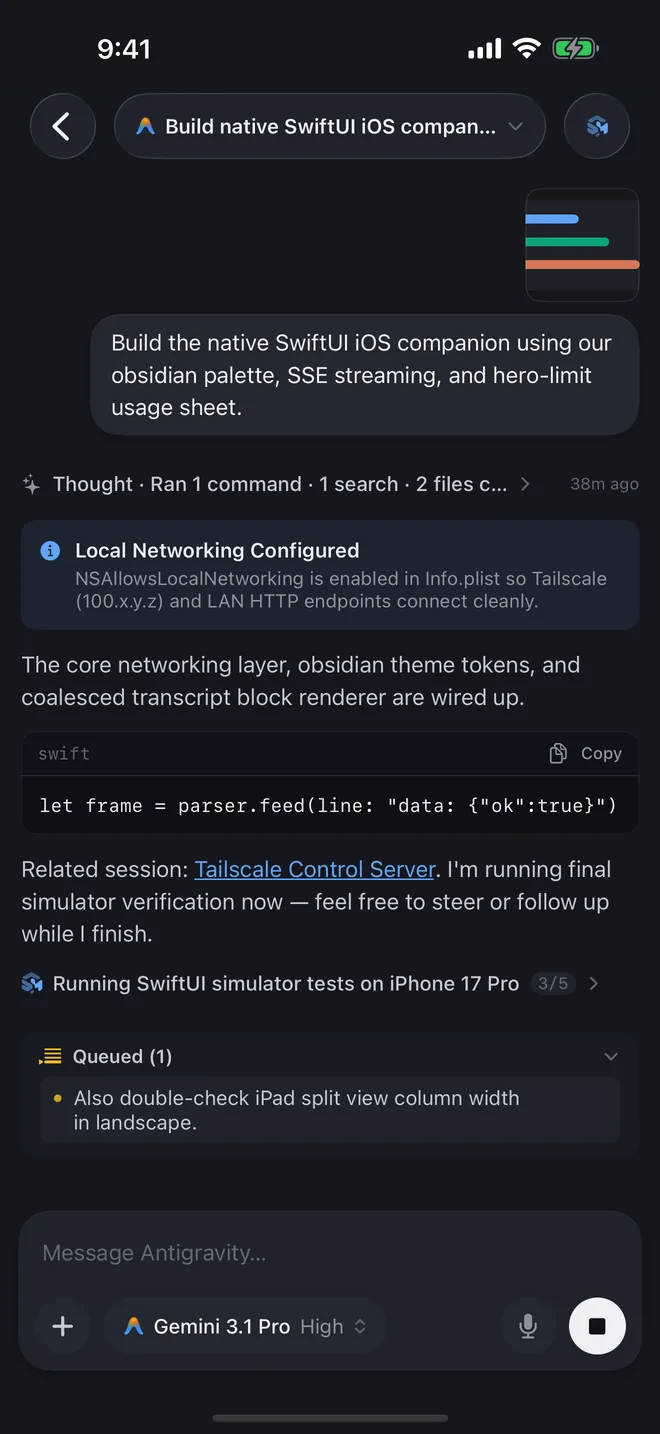
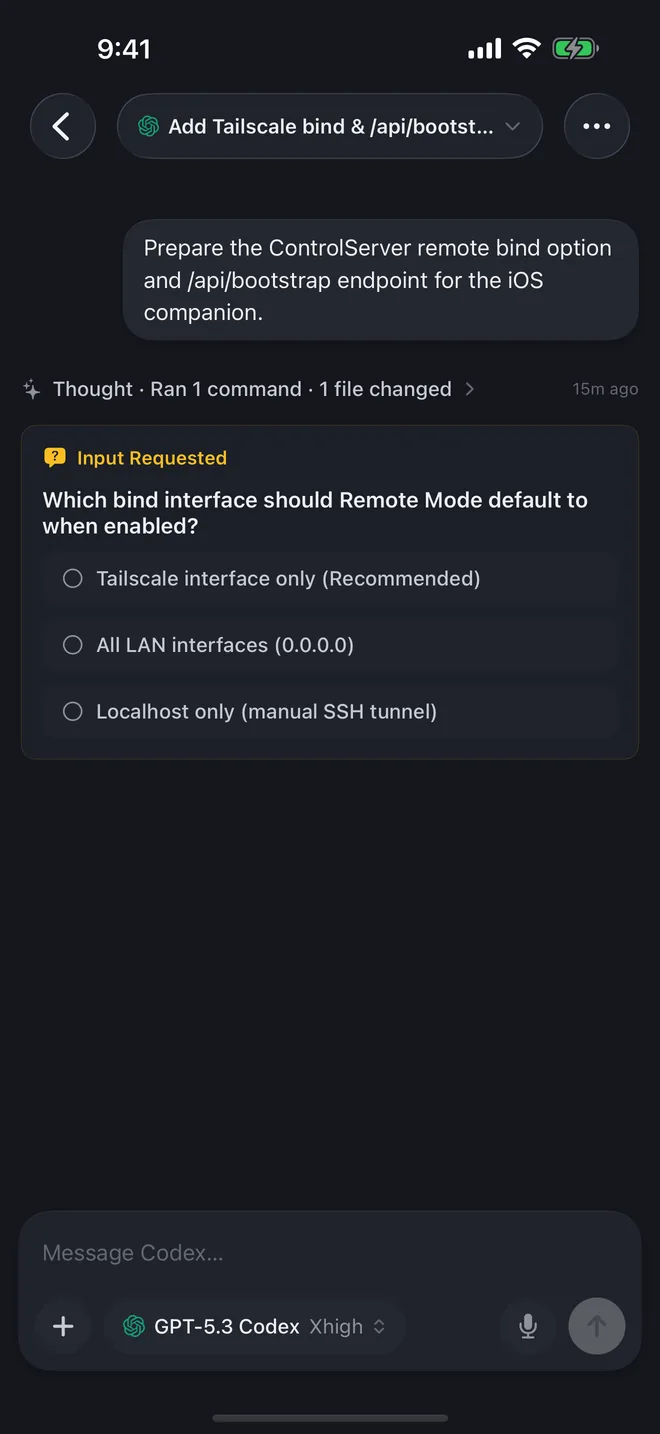
Superharness has no accounts, analytics, ads or tracking. The desktop app reads the harnesses installed on your computer, and the phone talks only to the desktop you paired it with.
One small service sits in between: push notifications reach your iPhone through Apple, so the desktop hands them to a relay that passes them on. The privacy page says exactly what that relay sees and keeps.
You need Node.js 20 or later and at least one supported harness installed.
git clone https://github.com/lxe/super-harness.git
cd super-harness
npm install
npm startThe iOS app is on its way to the App Store. Until then you can build it from the same repository with Xcode: open ios/SuperHarness.xcodeproj, choose your signing team and run it.
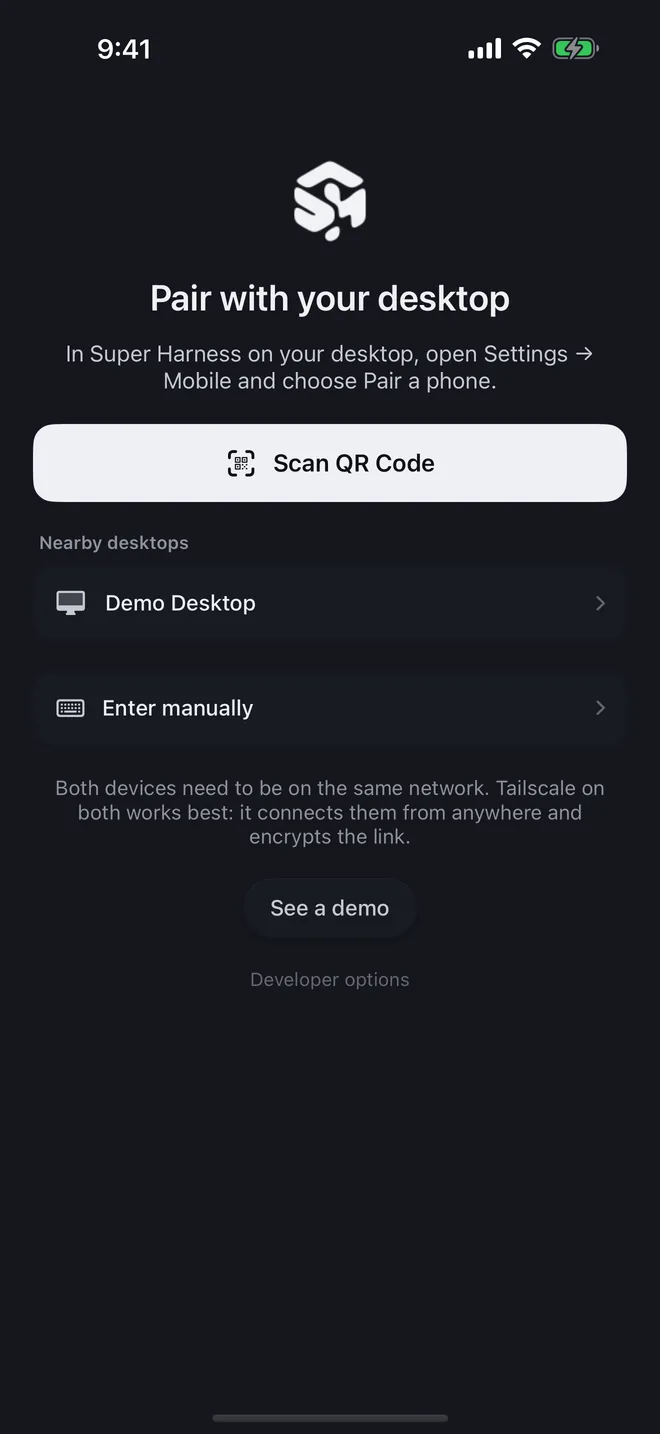
To pair, open Settings → Mobile in the desktop app, choose Pair a phone, and scan the QR code.
Module boundaries, protocols and developer scripts are described in ARCHITECTURE.md.